%402x.svg)

How to Build a Business Website that Grows Your Brand
Every day your business runs without a professional website, you are handing potential customers to competitors who showed up online first. A weak or missing web presence does not just limit visibility—it actively signals to buyers that you are not serious. The good news is that building a growth-focused business website in 2026 is more achievable than ever, as long as you follow a clear, strategic process. This guide walks you through every stage, from defining your goals to launching and improving over time, using data-backed steps that work for real businesses.
Table of Contents
- Clarifying your website goals and requirements
- Choosing the right platform and essentials
- Structuring and designing your site for maximum impact
- Optimizing content and integrating essential tools
- Testing, launch, and ongoing improvement
- What most business website guides miss
- Partner for a future-proof business website
- Frequently asked questions
Key Takeaways
| Point | Details |
|---|---|
| Clarify business goals | Define your website’s purpose and must-have features to avoid costly changes later. |
| Choose the right platform | Compare website builders based on your needs, scalability, and growth plans. |
| Prioritize design and usability | Mobile-first, fast, and easy-to-navigate sites build credibility and increase leads. |
| Integrate the essentials | Don’t forget SEO, analytics, and lead capture tools for ongoing business growth. |
| Test and iterate | Rigorous pre-launch testing and continuous updates are key to long-term results. |
Clarifying your website goals and requirements
Now that you have a sense of what a high-impact website can do for your business, the first step is to clarify exactly what you want to achieve. Skipping this stage is one of the most expensive mistakes business owners make. Redesigning a site because the original goals were fuzzy costs far more than getting it right the first time.
Start by asking one question: what should a visitor do when they land on your site? Your answer will define everything else. Defining purpose and goals is the foundation of sound business website planning that prevents expensive pivots down the road.
Here are the five most common website goals for small and medium-sized businesses:
- Lead generation: Capture contact info through forms and calls-to-action
- E-commerce: Sell products or services directly online
- Informational: Educate visitors and build credibility
- Booking or scheduling: Let clients reserve appointments in real time
- Portfolio: Showcase past work to attract new clients
Once your goal is clear, list the features that support it. A booking-focused site needs a calendar integration. An e-commerce site needs payment processing. A lead generation site needs a strong contact form and a clear value proposition above the fold.
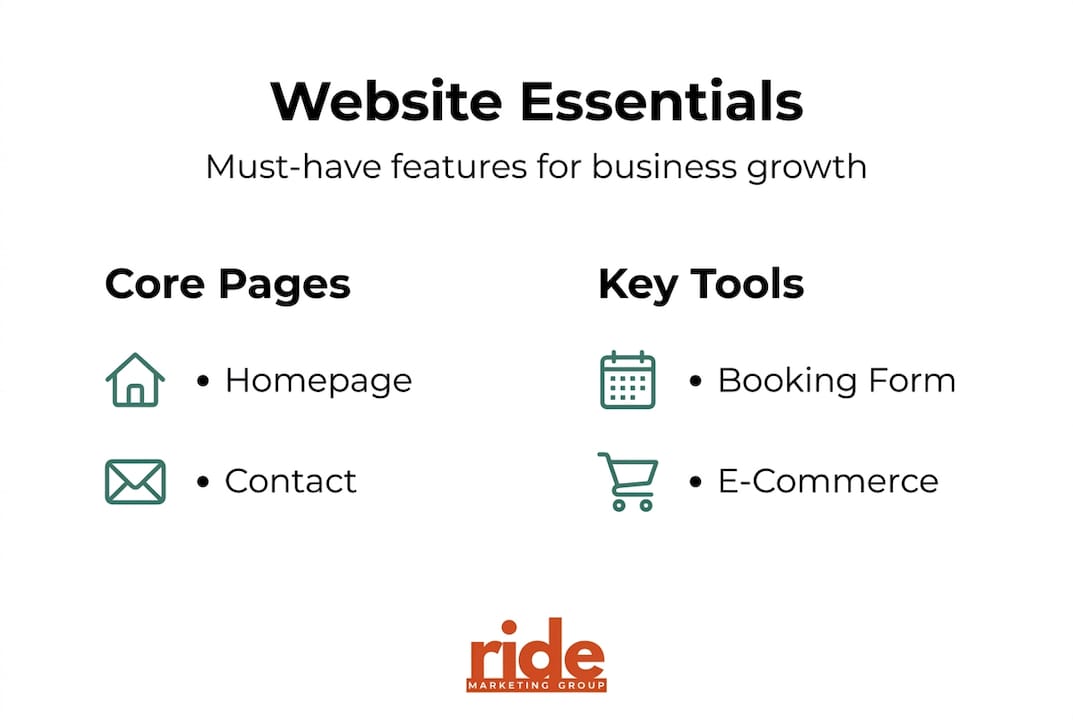
The table below maps common business models to their typical website requirements:
| Business type | Primary goal | Must-have features |
|---|---|---|
| Service provider | Lead generation | Contact form, testimonials, service pages |
| Retailer | E-commerce | Product catalog, cart, payment gateway |
| Consultant | Credibility | Portfolio, bio, case studies, blog |
| Restaurant or salon | Booking | Scheduler, menu or services, location map |
| Nonprofit | Awareness | Donation button, mission statement, events |
Pro Tip: Write your goals down before you speak to any designer or developer. The more specific you are, the more accurate your quotes and timelines will be, and the less likely you are to pay for features you never needed.
Choosing the right platform and essentials
With your goals set, you can move forward to choosing the technical foundation for your site. Platform choice shapes your costs, flexibility, and long-term scalability. There is no single right answer, but there is a right answer for your situation.
Small businesses with purpose-driven websites grow twice as fast as those without one. That stat should motivate you to get the foundation right. The platform you choose will either support or limit your growth, so treat this decision seriously. Exploring custom website solutions built around your specific industry can also save significant time and money.
| Platform | Best for | Cost range | E-commerce ready | Ease of use |
|---|---|---|---|---|
| WordPress | Flexibility, SEO | Low to medium | Yes (with plugins) | Moderate |
| Shopify | Online retail | Medium | Yes (native) | Easy |
| Webflow | Design control | Medium | Limited | Advanced |
| Wix | Simple sites | Low | Basic | Very easy |
Beyond the platform, you need a few non-negotiable essentials before you go live:
- Custom domain: Your domain should match your business name and end in .com when possible
- Reliable hosting: Choose a host with 99.9% uptime and fast server speeds
- SSL certificate: This encrypts user data and is required for Google to trust your site
- Professional email: Use a branded email address (you@yourbusiness.com) instead of Gmail or Yahoo
- Privacy policy: Required by law in most jurisdictions and expected by users
- Terms of service: Protects your business and sets clear expectations for visitors
These items are not optional extras. They are the baseline for any credible business website in 2026.
Structuring and designing your site for maximum impact
Once you have chosen a platform, it is time to shape your website’s structure and design. This is where many business owners get distracted by aesthetics and lose sight of function. A beautiful site that confuses visitors does not convert.
Here is a simple, proven page structure to start with:
- Homepage: Your value proposition, a clear call-to-action, and social proof
- About page: Your story, your team, and why customers should trust you
- Services or products page: What you offer, clearly described with pricing or a quote prompt
- Contact page: Multiple ways to reach you, including a form, phone, and map
- Blog or resources: Optional but powerful for SEO and thought leadership
Navigation matters more than most people realize. Mobile-first design with clear navigation and strong calls-to-action directly improves conversion rates, especially since over 60% of traffic now comes from phones. You can see how this plays out in real-world website examples from businesses that have already made the leap.
“75% of visitors judge a business’s credibility based on website design alone.” That means your site is your first impression, and first impressions are made in under a second.
For design decisions, focus on these priorities: fast load times, readable fonts, high-contrast colors, and a consistent visual style. Browse modern design inspiration to see how professional execution elevates a brand. Pair that with essential design and SEO services to make sure your site does not just look good but also ranks well.

Pro Tip: Limit your main navigation menu to five to seven items. More than that, and visitors start to feel overwhelmed. Fewer choices lead to faster decisions and more conversions.
Optimizing content and integrating essential tools
With your website designed for user experience, it is time to fill it with content and essential functionalities. Content is what search engines read and what visitors use to decide whether to trust you.
Start with your page titles and headlines. Every page needs a unique title that clearly states what the page is about. Your homepage headline should answer three questions instantly: who you are, what you do, and who you serve. Mobile-optimized sites retain up to 93% of visitors, and clear, compelling copy is a big part of why those visitors stay.
Here are the essential integrations every business site should have:
- SEO plugin or tool: Manage meta tags, sitemaps, and page structure (Yoast, RankMath, or built-in tools)
- Analytics platform: Google Analytics 4 tracks who visits, how they found you, and what they do
- Payment processor: Stripe or PayPal for e-commerce or service deposits
- Live chat or chatbot: Captures leads outside business hours
- Appointment scheduler: Calendly or a native booking tool reduces friction for service businesses
For up-to-date SEO tips that keep pace with search algorithm changes, check in regularly with current best practices. And when you are ready to turn traffic into real inquiries, strong lead capture best practices make the difference between a visitor and a customer.
Here is a pre-launch SEO checklist:
- Write a unique meta title and description for every page
- Add alt text to every image using descriptive, keyword-relevant language
- Submit your sitemap to Google Search Console
- Check page speed using Google PageSpeed Insights and fix anything below 80
- Add schema markup to your homepage and contact page for local SEO
Pro Tip: Compress all images before uploading. Large image files are the single most common cause of slow load times, and slow sites lose visitors fast. Tools like TinyPNG make this quick and free.
Testing, launch, and ongoing improvement
After everything is in place, careful testing and a deliberate launch set you up for growth. Rushing this stage is how small errors become big problems in front of real customers.
Run through this pre-launch checklist before you flip the switch:
- Click every link and confirm none are broken
- Submit every form and verify you receive the notification
- Test the site on at least three different devices (desktop, tablet, phone)
- Run a speed test and confirm load time is under three seconds
- Check that your SSL certificate is active (look for the padlock in the browser)
- Review all text for typos and outdated information
Testing and launching are essential final steps before you start marketing your site. Once live, shift your attention to tracking performance. Key metrics to monitor include:
- Site traffic: Total visitors and traffic sources
- Bounce rate: Percentage of visitors who leave after one page
- Conversion rate: Percentage of visitors who complete a goal action
- Mobile performance: Load speed and usability on phones
- Top pages: Which content drives the most engagement
For ongoing AI-first SEO growth, staying current with how search engines evolve keeps your site competitive long after launch.
Pro Tip: Set a calendar reminder to review your analytics every 30 days. Look for pages with high traffic but low conversions—those are your biggest opportunities for quick wins.
What most business website guides miss
Most guides give you a checklist and call it done. But the businesses that see real, sustained growth from their websites treat the site as a living system, not a finished product.
The uncomfortable truth is that a beautifully designed site with no strategic alignment to your actual sales process will underperform a plain site that is built around how your customers actually think and buy. We have seen this repeatedly. Design instincts are not enough. What matters is whether your site moves real people through a real decision.
The key shift is from “launch and forget” to “launch and learn.” Your analytics will tell you where visitors drop off. Your customers will tell you what confused them. Your conversion data will tell you what is working. The businesses that listen to those signals and iterate quickly are the ones that compound their results over time.
Focusing on reaching customers sustainably means building systems that improve with use, not just websites that look good at launch. Measure conversions, not compliments.
Partner for a future-proof business website
Building a business website that actually grows your brand takes more than a template and a few hours. Strategy, structure, content, and technical execution all have to work together from day one.
At RIDE Marketing Group, we handle every stage of that process, from initial planning through launch and ongoing optimization. Whether you want to explore our full website build and optimization services, browse our project portfolio to see what we have built for businesses like yours, or get a free marketing analysis to understand where your current site stands, we are ready to help you move forward with confidence.
Frequently asked questions
How much does it cost to build a business website in 2026?
Most small business sites range from $500 to $5,000 depending on features, platform, and whether you use professional support. Costs depend on complexity and the level of customization you need.
How long does it take to launch a business website?
A basic site can go live in one to three weeks. Timeline depends on design readiness and the complexity of custom features, which can push timelines to two months or more.
What are the must-have pages for a business website?
Every site needs a homepage, about page, services or products page, contact page, and privacy policy. Best practices for site structure also recommend adding a blog or testimonials page to build ongoing trust.
Do I need to optimize my site for mobile users?
Yes, without question. Over 60% of visitors browse on mobile, and a site that performs poorly on phones loses credibility and rankings fast.
Can I add new features to my website later?
Absolutely. Major platforms allow future enhancements through plugins, integrations, and expanded plans, so you can start lean and grow your site as your business scales.
%402x.svg)