%402x.svg)

Small Business Website Design: A Practical Guide for 2026
A good small business website needs a clear plan, a design that builds trust, and pages that load fast and work well on phones. Your website works best when you build it around your business goals instead of just picking a template you like.
A good small business website needs a clear plan, a design that builds trust, and pages that load fast and work well on phones. Your website works best when you build it around your business goals instead of just picking a template you like. You also need to think about how your site looks, how fast it loads, and how easy it is for people to find what they need.
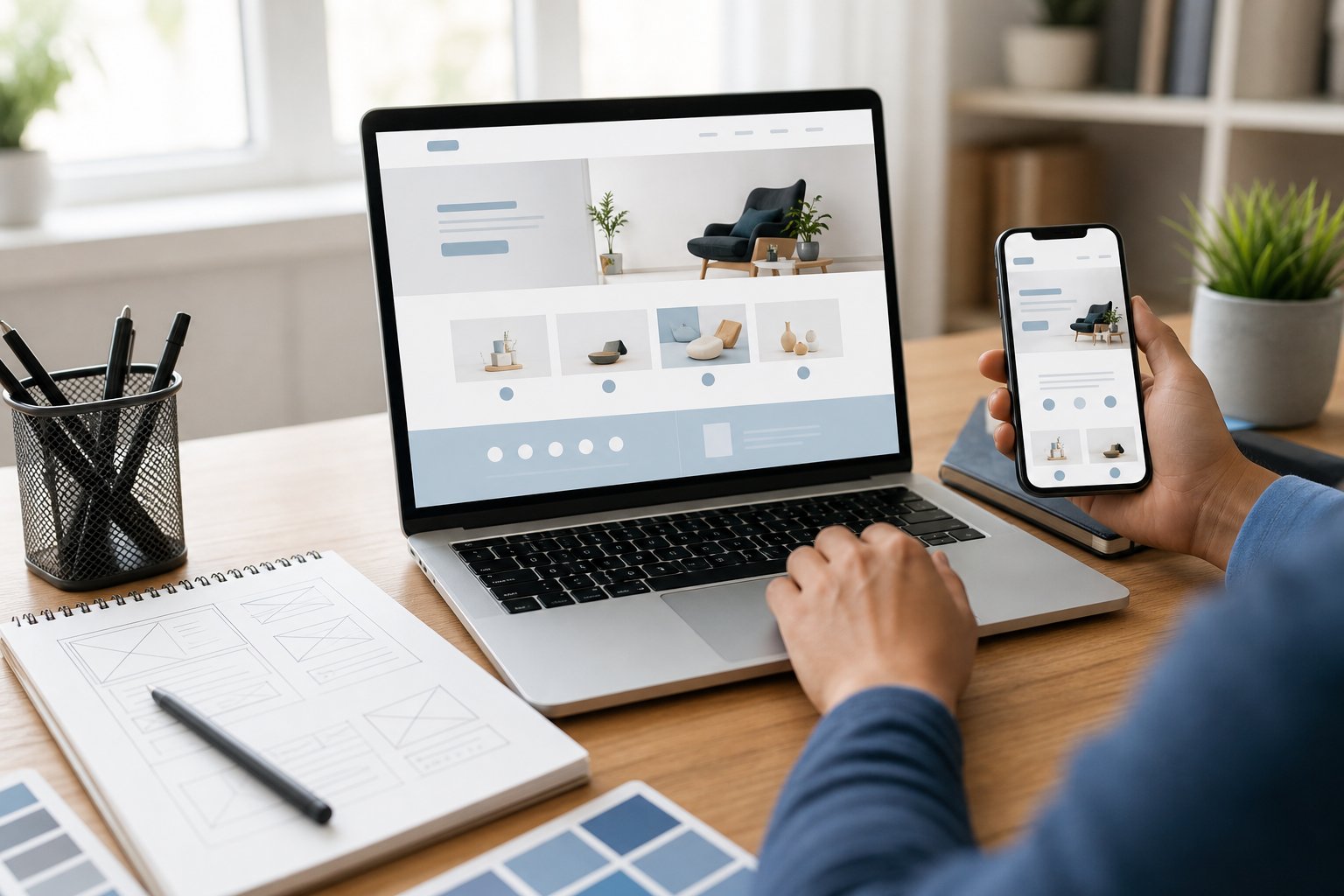
Many small business owners rush into building a site without thinking about who will visit it or what they want visitors to do once they arrive. This can lead to a website that looks nice but doesn't bring in new customers or sales. Taking time to plan your content, branding, and layout can save you money and stress later on.
Once your site is live, the work isn't over. You'll need to keep it updated, check that it still loads quickly, and make small changes as your business grows. This guide walks you through each step, from planning to launch, so you can build a website that actually helps your business succeed.
Key Takeaways
- Your website should match your business goals and target customers from the start.
- Trust-building elements like clear branding and helpful content keep visitors on your site longer.
- A fast, easy-to-use site needs regular updates and checks after it goes live.
Building Trust Through Content And Branding

Your website's words and visuals do more than look nice. They tell visitors whether they can trust your business. Clear messaging, consistent design, and proof of credibility work together to turn a casual visitor into a paying customer.
Creating Clear Value Propositions
Your value proposition tells visitors what you do and why it matters to them. State this within the first few seconds of a page view, usually in your header or hero section.
Avoid vague phrases like "quality service" or "best in class." These don't tell people anything real.
Instead, be specific. Say what problem you solve and who you solve it for. For example, "We fix broken pipes in Denver homes within two hours" beats "Reliable plumbing services."
Your value proposition should answer three questions:
- What do you offer?
- Who is it for?
- Why should they choose you over someone else?
Keep this message short. One or two sentences work best. Place it where visitors look first, then repeat the idea in different words throughout your site.
Using Consistent Visual Identity
Your visual identity includes your colors, fonts, logo, and images. These elements should look the same across every page of your site.
Inconsistent design makes visitors question your professionalism. If your logo looks different on your homepage than on your contact page, people notice.
Pick two or three brand colors and stick to them. Use the same font pairing throughout your site—one for headers, one for body text. Your logo should stay the same size and placement across pages when possible.
Photos matter too. Use real images of your team, products, or workspace instead of generic stock photos. This small change builds a stronger connection with visitors.
Consistency doesn't mean boring. It means visitors recognize your brand no matter which page they land on. This recognition builds familiarity, and familiarity builds trust over time.
Adding Credibility Signals
Credibility signals are proof points that show visitors your business is legitimate and trustworthy. These signals answer the unspoken question: "Can I trust this company?"
Common credibility signals include:
- Customer reviews and testimonials with real names and photos
- Trust badges from payment processors or security certifications
- Client logos if you work with recognizable businesses
- Awards or certifications relevant to your industry
- Years in business or number of customers served
Place these signals near decision points, such as next to a "Buy Now" button or contact form. Visitors look for reassurance right before they take action.
Real data works better than vague claims. "500+ five-star reviews" carries more weight than "Loved by customers." Show, don't just tell.
Optimizing User Experience And Performance
Your website's speed, layout, and accessibility all affect whether visitors stay or leave. Small changes in these areas can lead to better rankings, more sales, and happier customers.
Designing Mobile-First Navigation
More than half of all web traffic comes from phones. If your site is hard to use on a small screen, you will lose visitors fast.
Start your design process with mobile layouts, then adjust for larger screens. This approach forces you to focus on what matters most to your customers.
Keep menus simple. Use these basics for mobile navigation:
- A hamburger icon for the main menu
- Large, tappable buttons (at least 44 pixels wide)
- A visible search bar
- A sticky header with your logo and key links
Avoid drop-down menus with many layers. They are hard to tap accurately on a small screen. Instead, group your pages into a few clear categories.
Improving Page Speed
Page speed affects both user experience and search rankings. Google says a delay of just one second can lower conversions by 20%.
You can check your site's speed with free tools like Google PageSpeed Insights or GTmetrix. These tools show you specific problems and fixes.
Common speed fixes include:
IssueFixLarge imagesCompress files or use WebP formatToo many pluginsRemove unused onesNo cachingEnable browser cachingSlow hostingUpgrade to a faster plan
Aim for a load time under three seconds. Test your site on both desktop and mobile, since results often differ.
Video backgrounds and auto-playing content can also slow your site. Use them sparingly, and only if they serve a clear purpose.
Meeting Accessibility Standards
Accessibility means your website works for people with different abilities, including visual, hearing, or motor impairments. It also improves usability for everyone.
Follow the Web Content Accessibility Guidelines (WCAG) 2.1, which is the standard most businesses use. Focus on these core practices:
- Add alt text to all images
- Use clear heading structures (H1, H2, H3)
- Ensure text has enough contrast against backgrounds
- Make sure your site works with keyboard navigation, not just a mouse
Captions on videos and clear labels on form fields also help. These small additions make your site easier to use for a wider range of visitors.
Accessibility is not optional in many cases. Businesses that ignore it can face legal complaints, especially in industries like retail and healthcare.
Launching And Maintaining The Site
Getting your website ready to go live takes more than clicking "publish." You need to check that everything works, set up tools to track visitors, and plan how you will keep the site updated after launch.
Setting Up Analytics And Tracking
Before your site goes live, install tracking tools so you can see how people use it.
Google Analytics is the most common choice. It's free and shows you how many people visit your site, where they come from, and which pages they view most.
You should also set up Google Search Console. This tool tells you how your site performs in search results and alerts you to technical problems.
If you sell products, add tracking for sales and cart activity. This helps you see which items sell well and where customers drop off before buying.
Set up tracking codes before launch, not after. This way, you collect data from day one instead of missing early traffic patterns.
Testing Before Publication
Test your site fully before you make it public. Check every page, link, and form to make sure they work as they should.
Here's what to test:
- Links – Click every link to confirm it goes to the right place
- Forms – Submit test entries through contact forms and checkout pages
- Load speed – Check how fast pages load on different devices
- Mobile view – Open your site on a phone and tablet to check the layout
- Browser compatibility – View the site in Chrome, Safari, and Firefox
Ask a few people outside your business to test the site too. They may spot problems you missed because you know the site too well.
Fix all issues before launch. A broken link or slow page can turn away a new visitor fast.
Keeping Content And Software Current
Your website needs regular attention after it goes live. Outdated information or old software can hurt your site's performance and security.
Update your content on a set schedule. Change prices, hours, and product details as soon as they change in real life.
Software updates matter just as much. If you use a platform like WordPress, install security patches and plugin updates as they come out. Old software is a common target for hackers.
Check your site each month for broken links or slow pages. Small problems can grow into bigger ones if you ignore them.
Back up your site regularly. If something goes wrong, a recent backup lets you restore your site quickly without losing months of work.
Frequently Asked Questions
Costs, timelines, and platform choices vary based on your business needs and how much control you want over the design process. Here are answers to the questions small business owners ask most often.
How much does it cost to build a website for a small business?
Your costs depend on the approach you choose. A DIY website builder can cost between $10 and $50 per month for hosting and plan fees.
Hiring a freelance designer typically runs $500 to $5,000 depending on the scope of your project. Working with an agency can cost $3,000 to $10,000 or more, especially if you need custom features or e-commerce tools.
How can I create a website for my small business?
Start by choosing a website builder or content management system that fits your skill level. Pick a domain name that matches your business name, then select a template you can customize.
Add your business information, photos, and product or service details. Once you finish designing your pages, test the site on mobile devices before you publish it.
What is the best website builder for a small business?
The right builder depends on your specific needs. Wix and Squarespace work well if you want drag-and-drop design tools and don't need advanced customization.
Shopify is a strong choice if you plan to sell products online. WordPress gives you more flexibility and control, but it requires more technical knowledge to set up and maintain.
Can I build a small business website for free?
Yes, several platforms offer free plans, including Wix, WordPress.com, and Google Sites. These free versions often come with limits like ads on your site, a subdomain instead of your own domain name, and fewer design options.
Most businesses eventually upgrade to a paid plan once they need more storage, custom branding, or advanced features.
What should a small business website include?
Your website should have a clear homepage that explains what your business offers. Include an about page, a contact page with your phone number and address, and pages for your products or services.
Add customer reviews or testimonials if you have them. Make sure your site includes a clear way for visitors to contact you or make a purchase.
How long does it take to design a small business website?
A simple website built with a template can take anywhere from a few hours to a few days to complete. Custom designs built by a freelancer or agency usually take two to six weeks depending on the number of pages and features you need.
Larger projects with e-commerce functionality or custom integrations can take two to three months.
%402x.svg)